Through Organizers
After uploading organizers, by default the data contained in the organizers will create new Contacts if no previous records exist, or overwrite existing data.
📝Note: If you do not want this option enabled, please contact Support!

Bulk Import
To import clients in bulk, you need to gather your data in a format ready for translation into an Excel file.
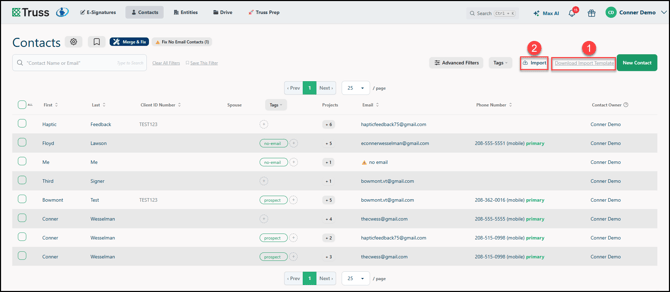
1. Click on Download Import Template to get our formatted XLSX file for upload.
⚠️ Warning: Do not move, edit, or delete any of the columns or their headers.
2. After entering the data into the file, click Import and load in the template file.
One-Off
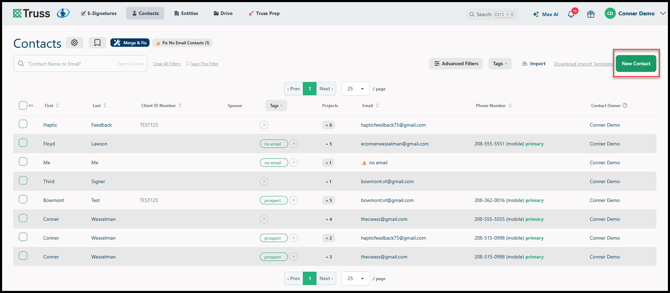
While in Contacts, click on New Contact and fill out the information there to quickly add a new Contact into Truss!