1. Select the Entities you wish to export. Click the top checkbox to Select All for a full export.
2. After selecting the entities, click the Actions drop-down.
3. Click Export Entities to Excel.

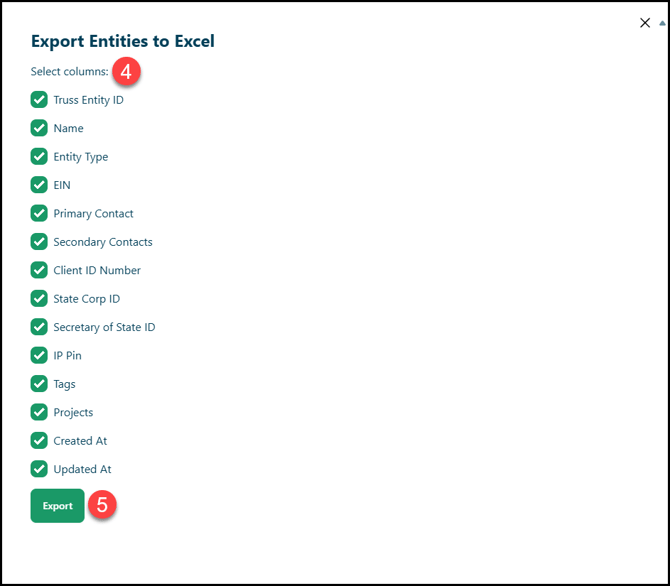
4. A new window will appear that will allow you to include or exclude data from the export.
5. Once you have all the fields you need, click Export to begin generating the file.
Once the export is ready, the window will display a download link. You can click out of the window or click Close Window when you are finished!