
Follow the steps below to experience this amazing process:
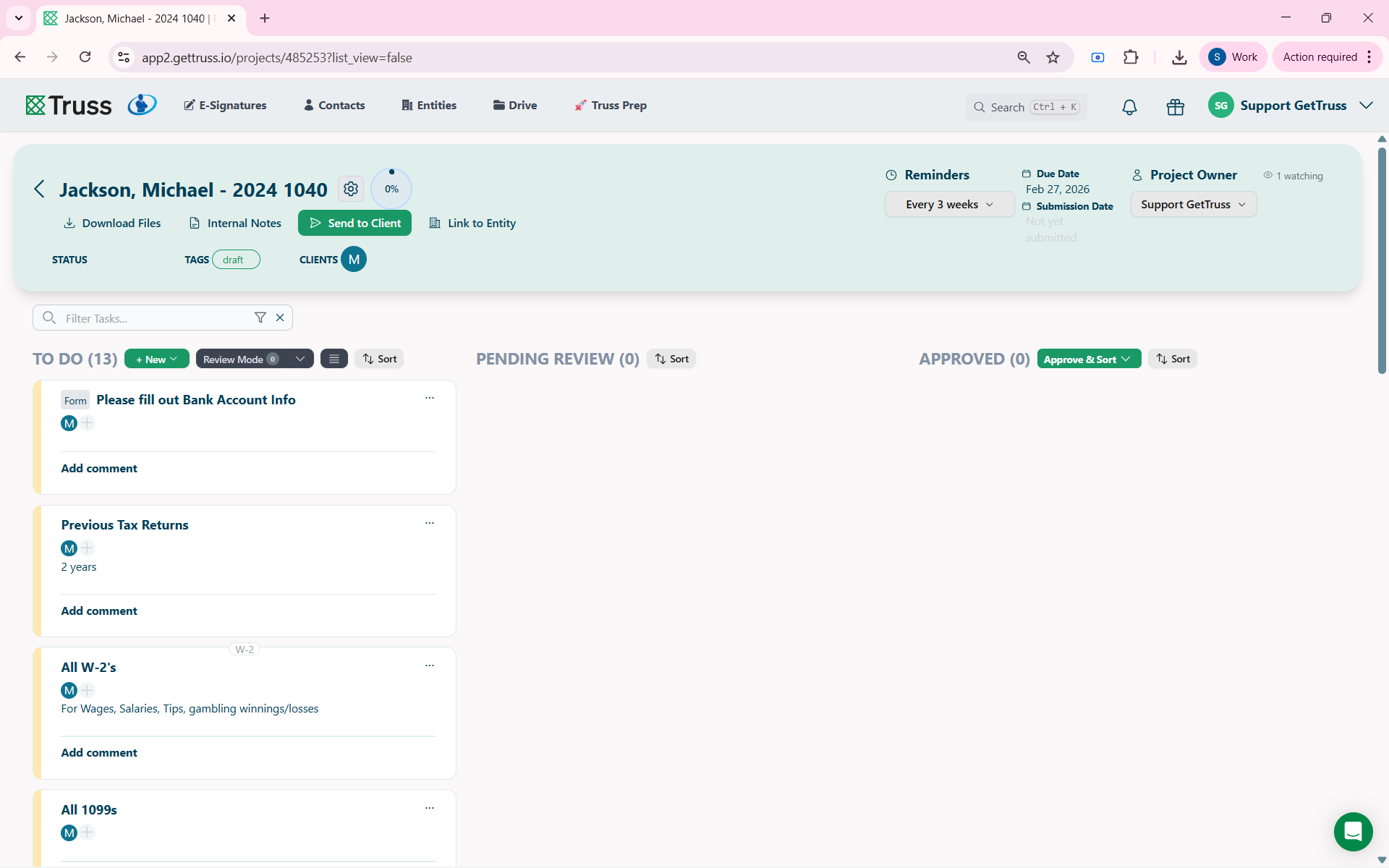
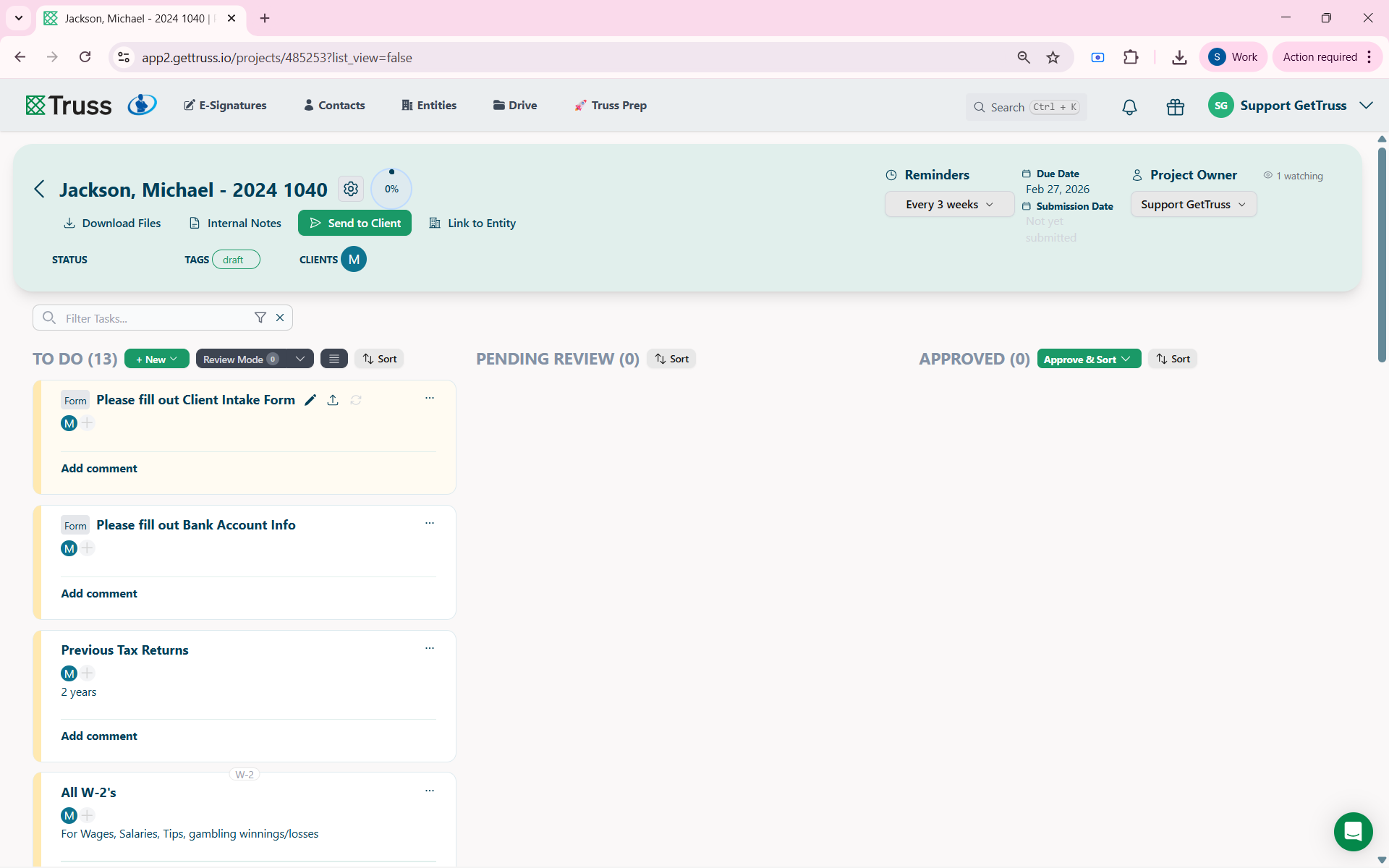
Step 1) Open any project.
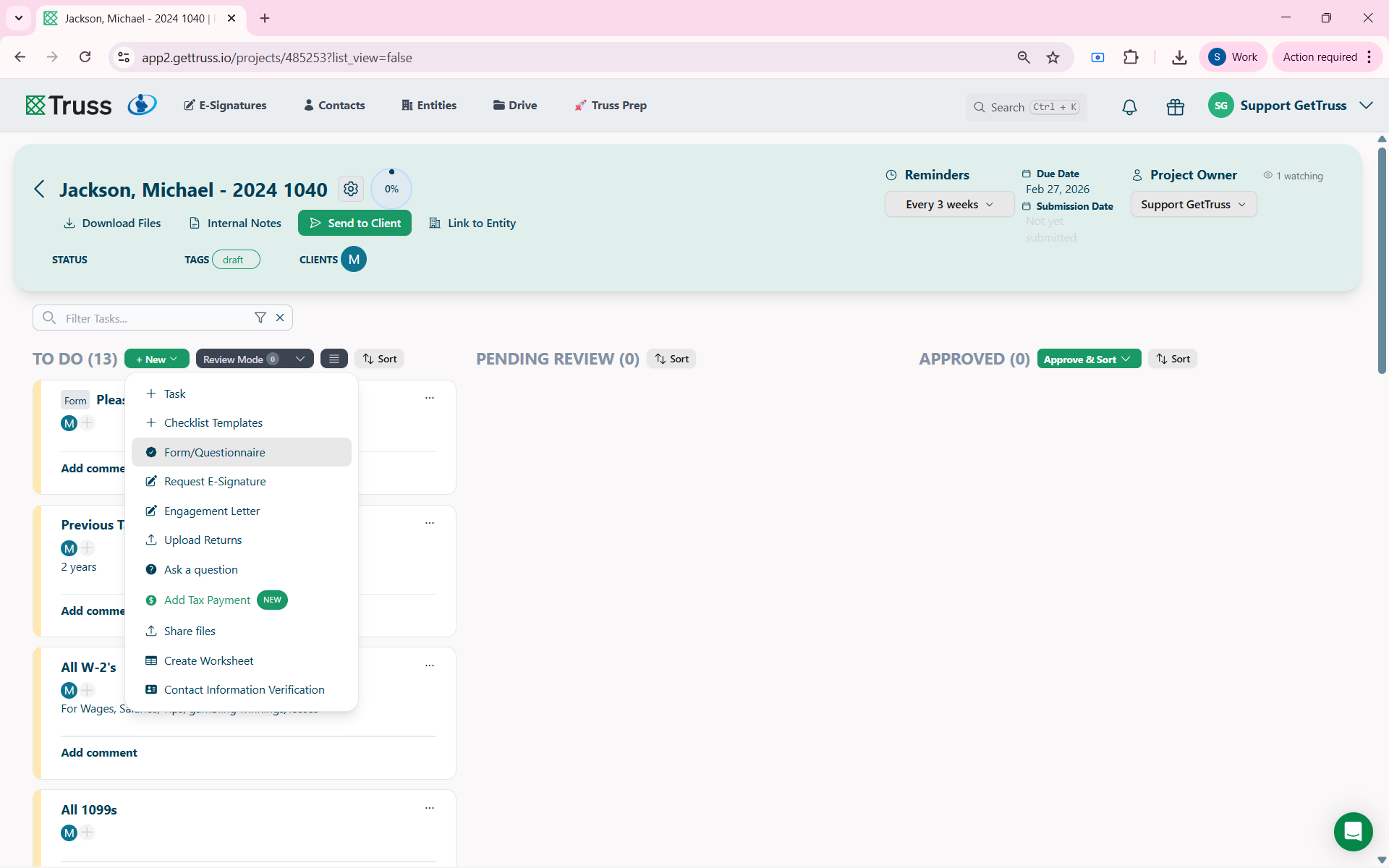
Step 2) Click New > Forms/ Questionnaires to open the required dialogue box.
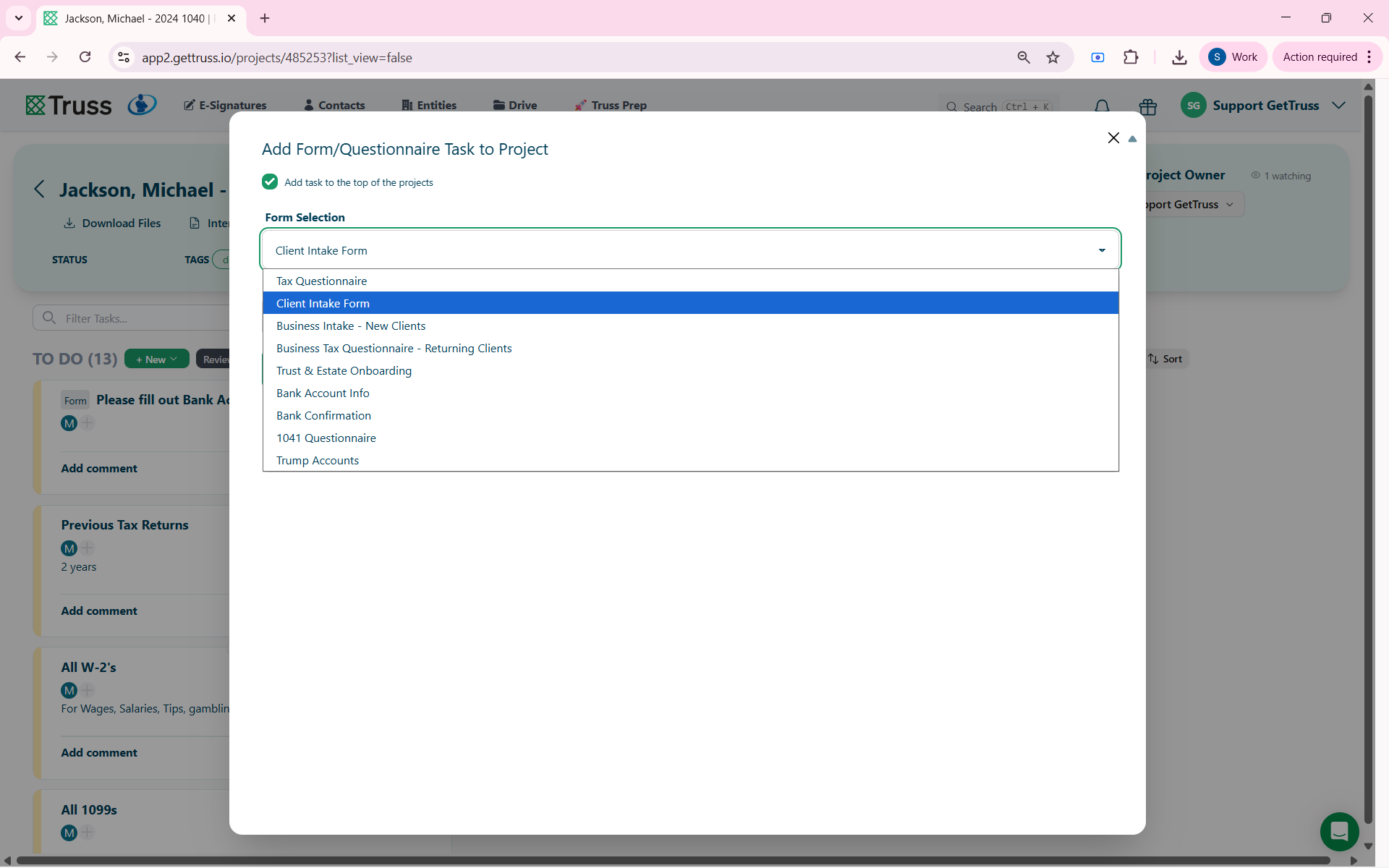
Step 3) Select the respective forms based on your requirement for each client.
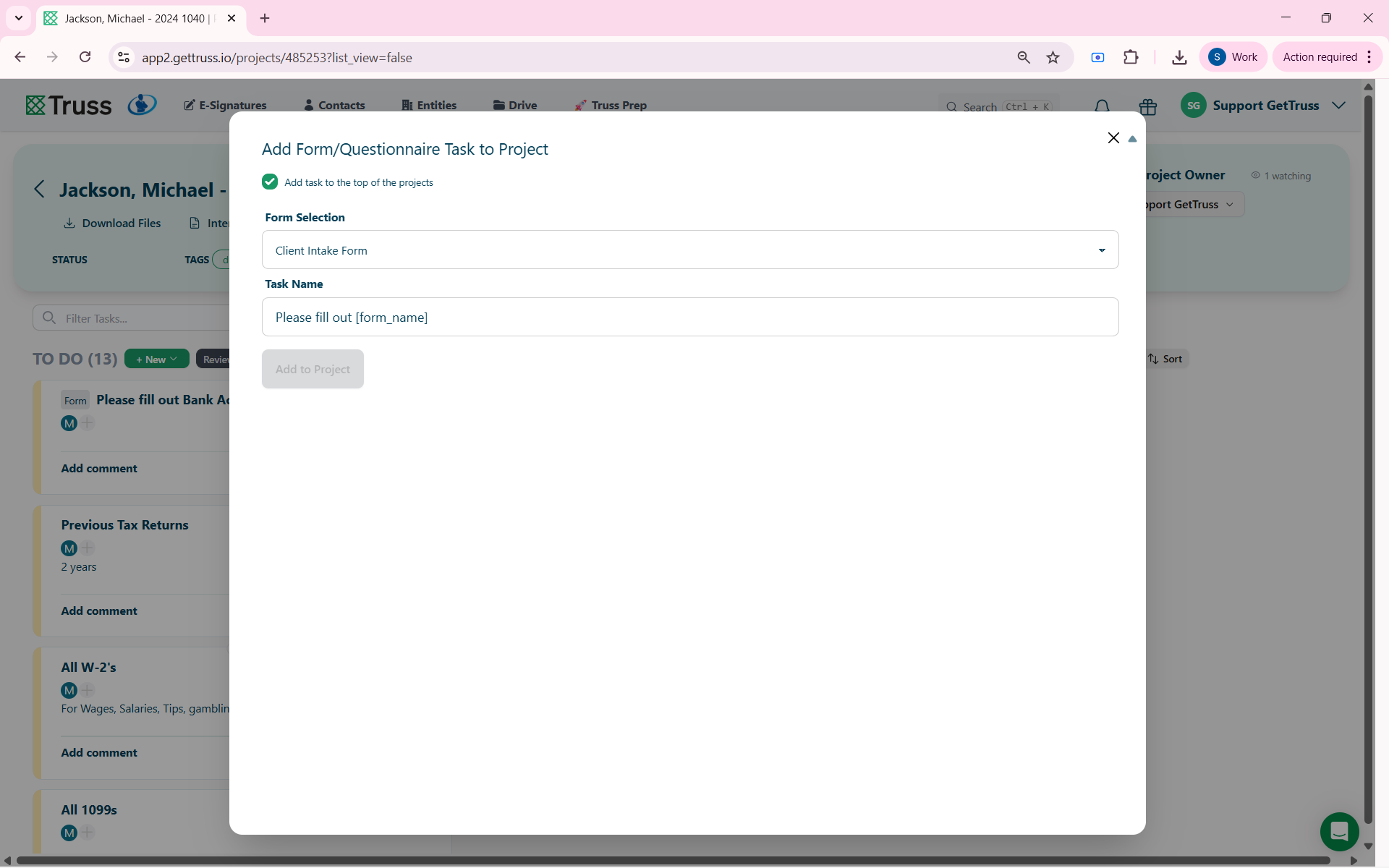
Step 4) Hit Add to Project and you are done!
See a quick walkthrough in our Forms Overview!