
Here’s how it works 👇
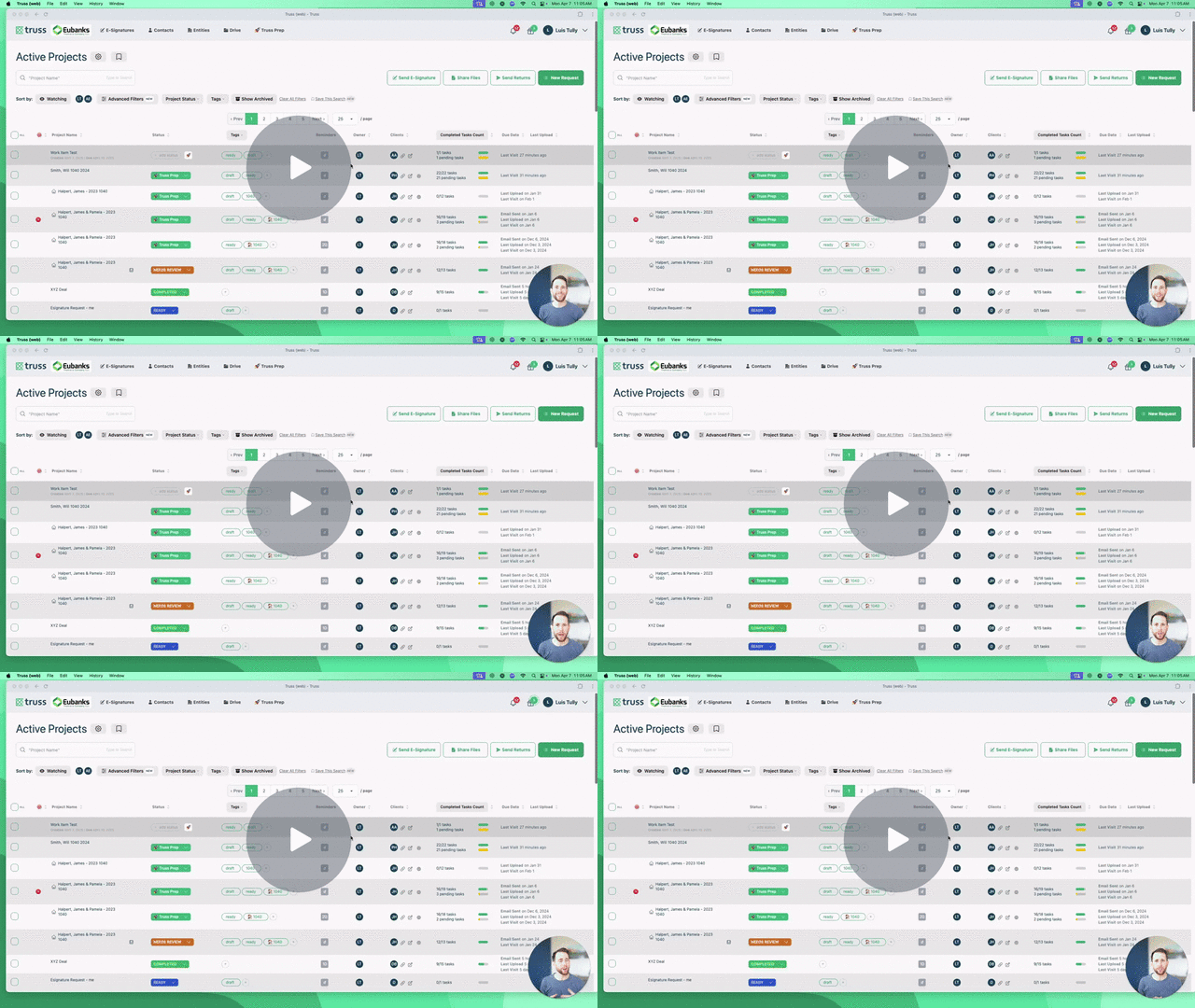
🚀 How It Works: Karbon Integration - Watch Video
🧬 Syncing Contacts & Entities (Organizations)
Truss treats Karbon as the source of truth — this means your contact and organization data should be maintained in Karbon. Here’s what you need to know:
-
One-Way Sync: Changes made in Karbon reflect in Truss — not the other way around.
-
Contacts & Entities: Karbon uses “Organizations” while Truss calls them “Entities.” Both are synced.
-
Jump to Karbon Records: You can click the Karbon logo in Truss to jump directly to the matching contact or organization in Karbon.
-
Can’t Edit Synced Contacts in Truss: If the contact came from Karbon, it’s view-only in Truss. Edit in Karbon if needed.
➕ Adding New Contacts from Truss to Karbon
Using Truss to onboard new clients?
-
Simply collect the client’s contact info in Truss
-
Then click “Add to Karbon” to sync it over as a new contact
Tip: Great for growing firms onboarding leads or clients outside of Karbon’s ecosystem.
🔄 Unlink & Relink Contacts (If Needed)
Need to clean up a duplicate or relink a contact to a different record in Karbon?
-
Click “Unlink” inside the contact card in Truss
-
Then choose the correct Karbon contact to relink
This also works for entities (organizations).
⚙️ Automating Work Items in Karbon
Here’s where the magic happens 🎩
-
Your client completes their document uploads in Truss
- They hit Submit for Review
- Truss:
-
Tags the request as “Ready”
-
Creates a new Work Item in Karbon — automatically!
-
This ensures your team never skips a beat. As soon as your client is done, you can start the return or project in Karbon.
🚀 Summary at a Glance
-
Karbon is the system of record
-
Syncs include Contacts + Entities (Organizations)
- Truss can push new contacts into Karbon
- Edits to synced records must happen in Karbon
- When clients complete tasks in Truss, it auto-creates Work Items in Karbon
Let us know if you need help setting this up or cleaning up your sync — we’re here for you! 💪