
🚮 Delete a Project
Open any Project you want to delete.
- Click the ⚙️ Settings button next to the Project name.
- Click 🗑️ Delete Project.

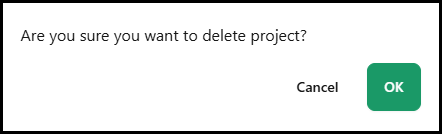
A confirmation pane will appear to confirm that you want to delete it. Click OK to finalize.
📝 Note: Deleting multiple Projects is not currently supported to prevent accidental mass-deletion of valid Projects. If you need to delete a large number of items, please reach out to Support!
♻️ Restore a Project
To restore a Project, navigate to the Active Projects page.
- Click the ⚙️ Settings button.
- Select 🗑️ Deleted Projects.

From the report, locate the deleted Project and click the 🔄️ Restore option under Actions.

You'll be brought back to the Active Projects page with the Project fully restored!